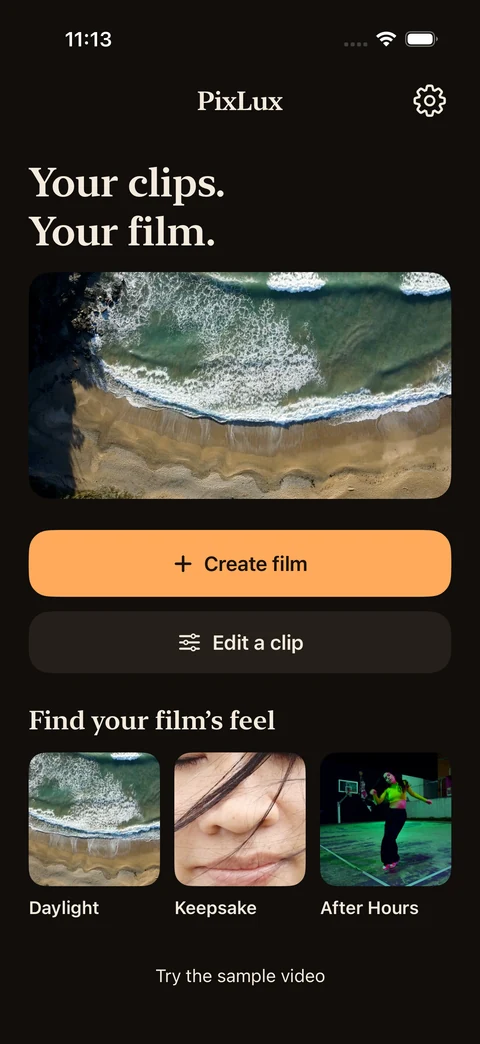
Your clips.
Your film.
Video editing for iPhone. Start with a feeling. Shape the color, the cut and the sound.
Preview of the next PixLux update. The current version remains on the App Store.
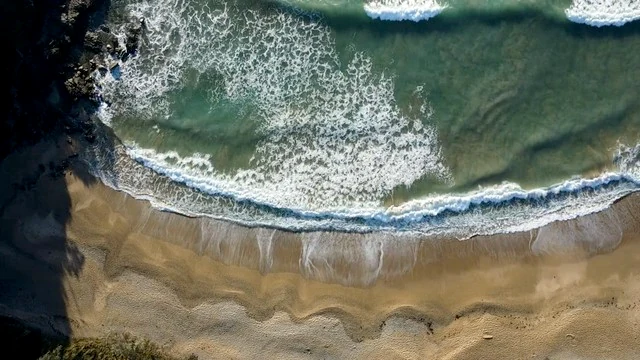
Open light. A clear, natural starting point.
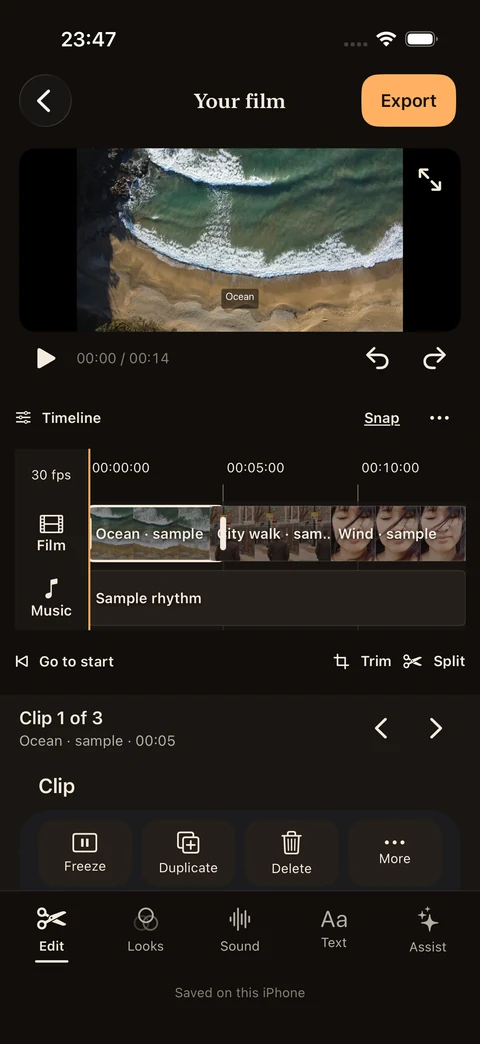
Each look uses a different sample clip.
Find your
film’s feel.
Three starting points, plenty of room to make them yours. Adjust the color and effects as you go.
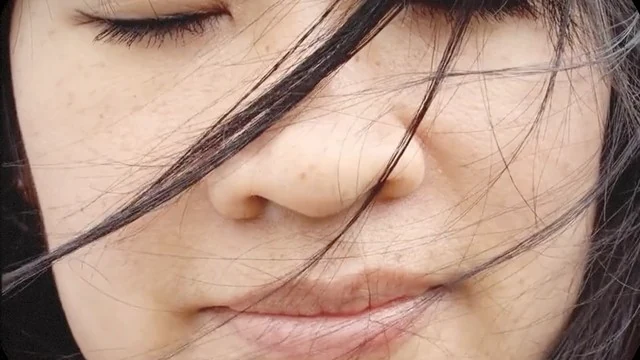
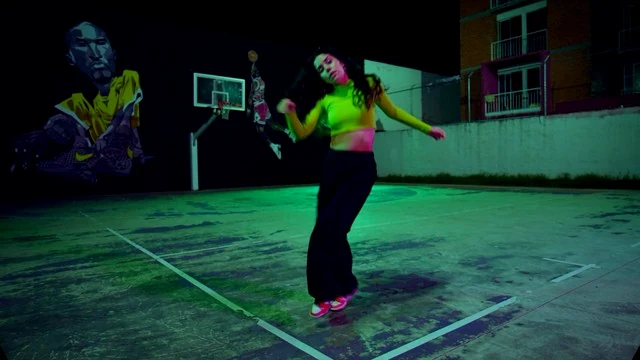
Actual starting-look samples. Each uses a different clip.
The cut
is yours.
One clip. Or a whole film.
Edit a single video or bring several moments together.
Picture, sound, words.
Refine the cuts. Add music, a voiceover or text.
Room to change your mind.
Revisit your edits. Back up your project. Export a separate video.
Shown here: the upcoming update.
A few things
to know.
Is this the version on the App Store?
The screens and features here preview the next PixLux update. The App Store currently offers the earlier version; this site does not announce a release date.
Where does the editing happen?
In the upcoming update, imported media and edits are processed on your iPhone. You choose what to import, back up and share. File providers, device backups and Apple services have their own behavior.
What can I export?
The upcoming update exports SDR MP4. HDR source footage is converted to SDR. Automatic captions depend on iOS version, device and language support. See Support for details.

Your next film.
In your light.
View on the App StorePreview of the next PixLux update. The current version remains on the App Store.